
Inventory Management
Inventory Management
Stop Managing Stock
If you no longer wish to track stock for a product:
- Go to Products
- Click on Manage Stock icon besides stock quantity
- Click on “Stop Managing Stock”
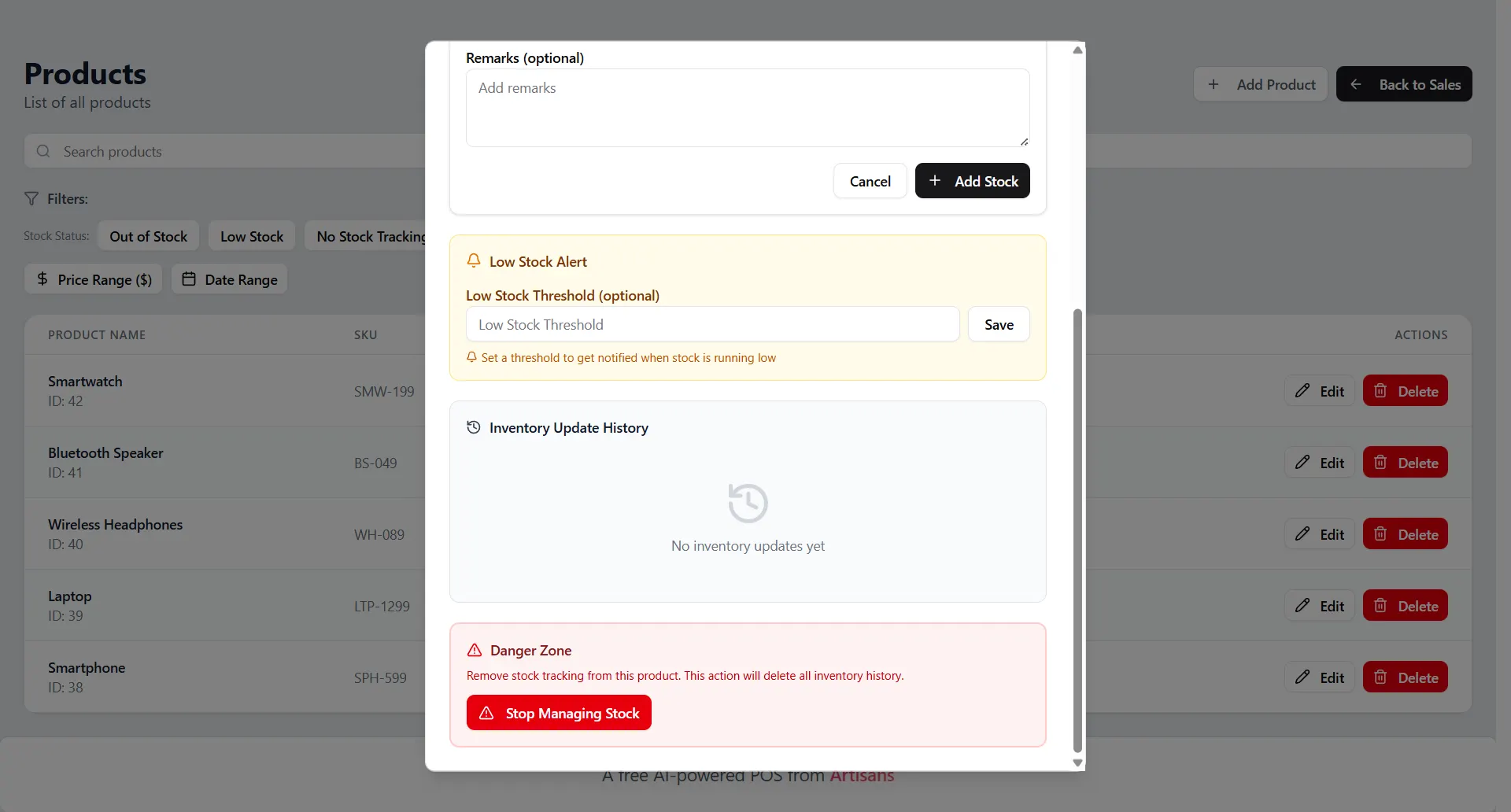
The system will stop tracking stock movements for that product.