Getting Started
Getting Started
Generating Sample Data
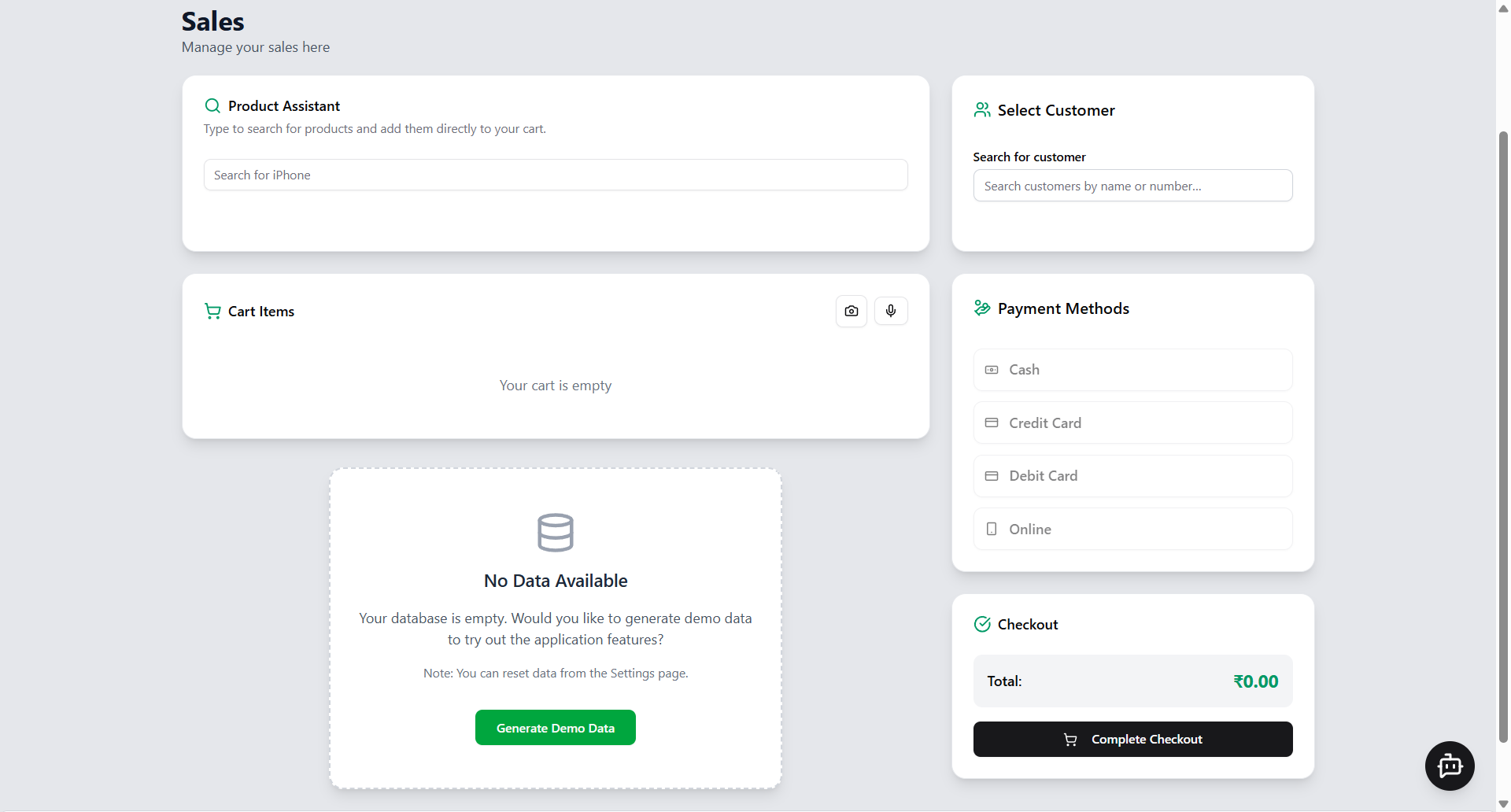
When you first open TabsyPOS, if your database is empty, you will see the following prompt on the Home Page:
Your database is empty. Would you like to generate demo data to try out the application features?
Note: You can reset data from the Settings page.
Clicking Generate Demo Data will automatically generate sample products, customers, and sales transactions, allowing you to explore and test all features of the system.
This demo data is temporary and can be cleared anytime using the Clear Data option in the Settings menu.