
Sales Module
Sales Module
Product Discovery & Selection
Product Search Options
TabsyPOS offers multiple ways to search for products quickly and efficiently.
Text Search: You can type the product name or price directly into the search bar to instantly find matching items.
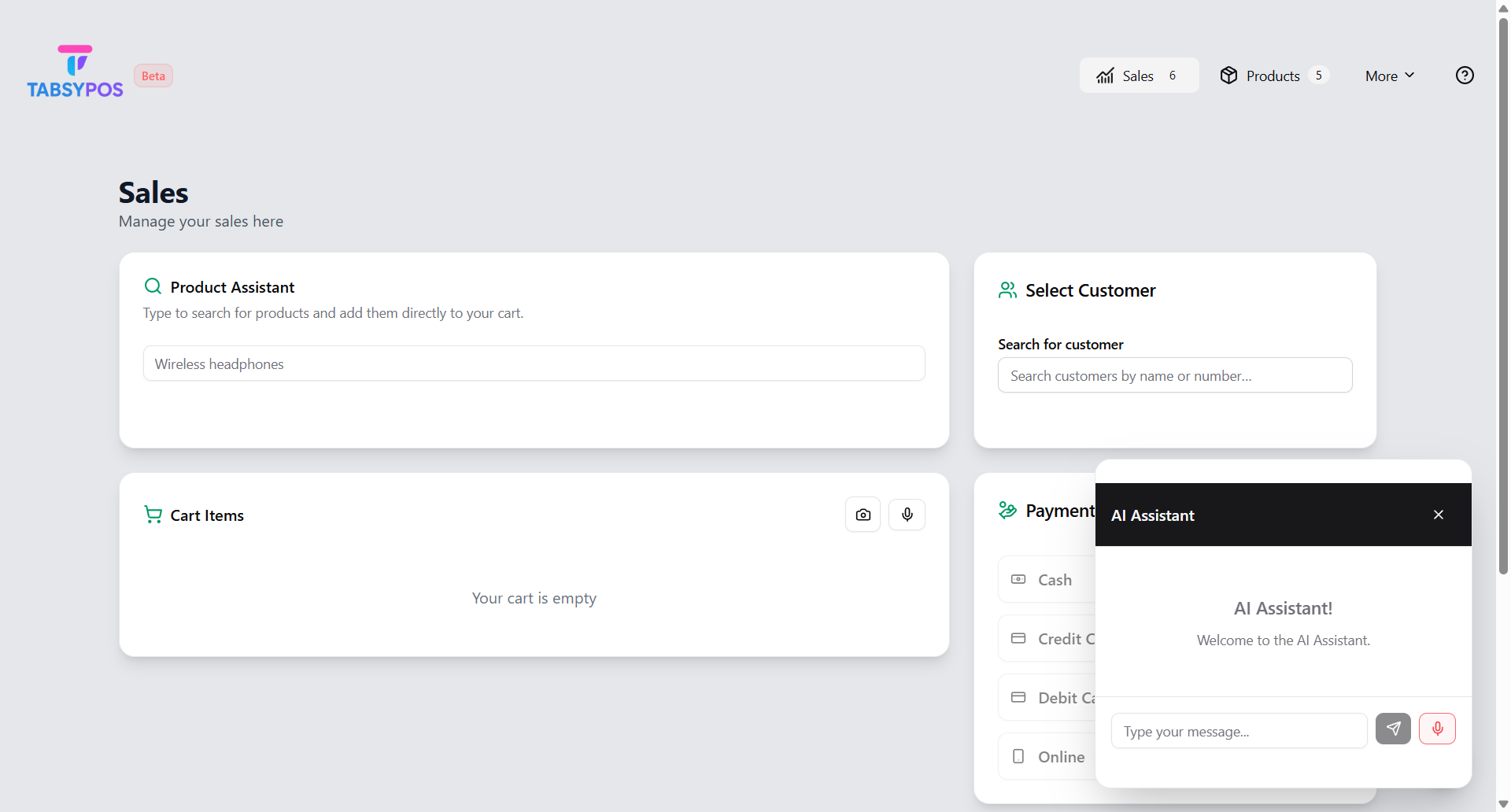
Voice Search: You can use Voice Search through the AI chatbot icon located at the top-right corner of the screen. Simply click the microphone button inside the chatbot and speak the product name. TabsyPOS will recognise your voice input and display the matching products instantly.
Instant Product Creation
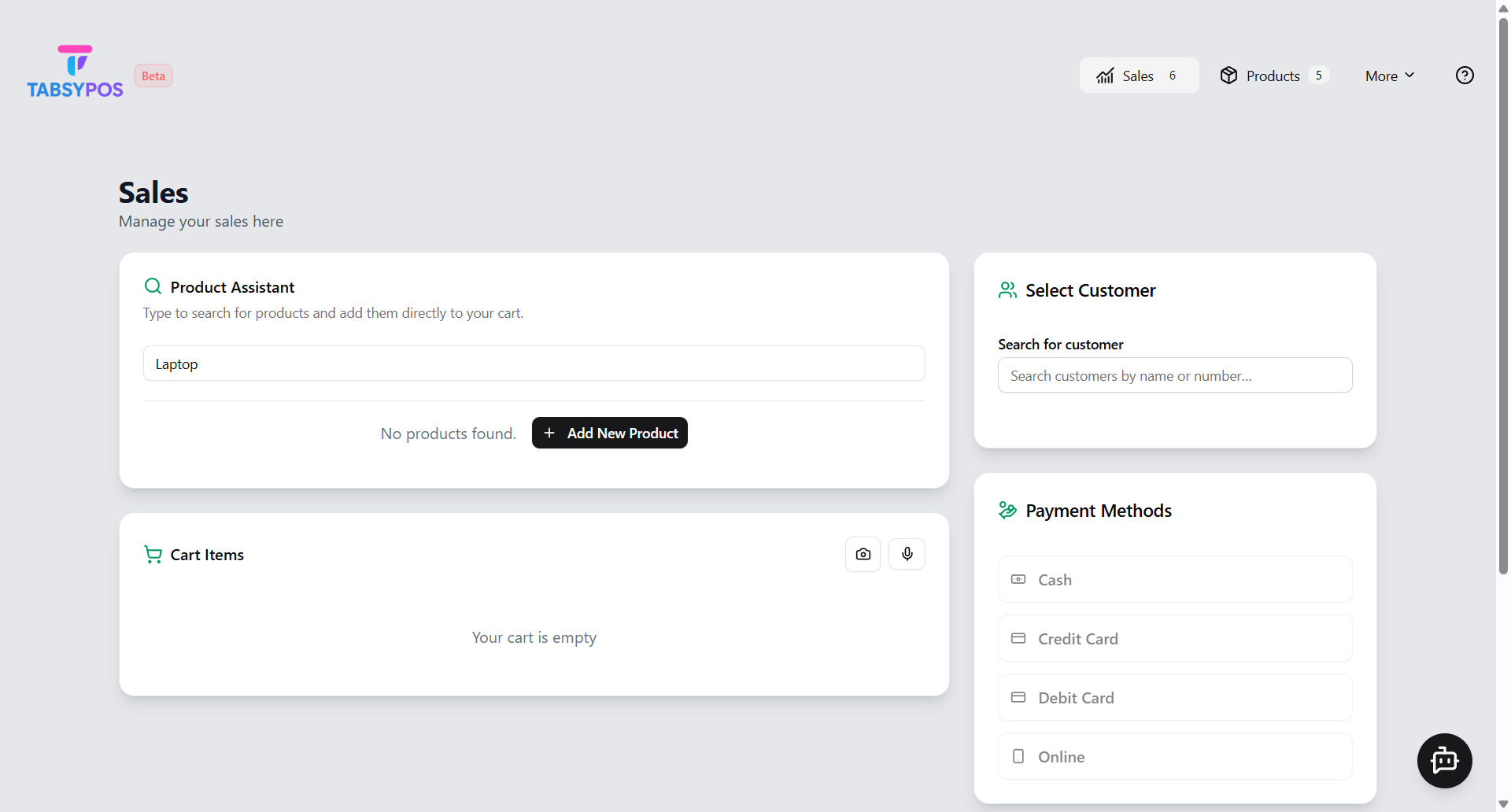
- If the searched product doesn’t exist in the system, you can create it instantly without leaving the Sales page.
- Simply click on “Add New Product” - enter the product name and price, and it will be automatically added to your Product List.
- Products also support an optional SKU (Stock Keeping Unit), Low Stock Threshold, and Stock Quantity fields.
Notes -
- SKU must be unique across all products
- Products can be searched by SKU in the sales search bar
- SKU is shown in the product list