Settings
Settings
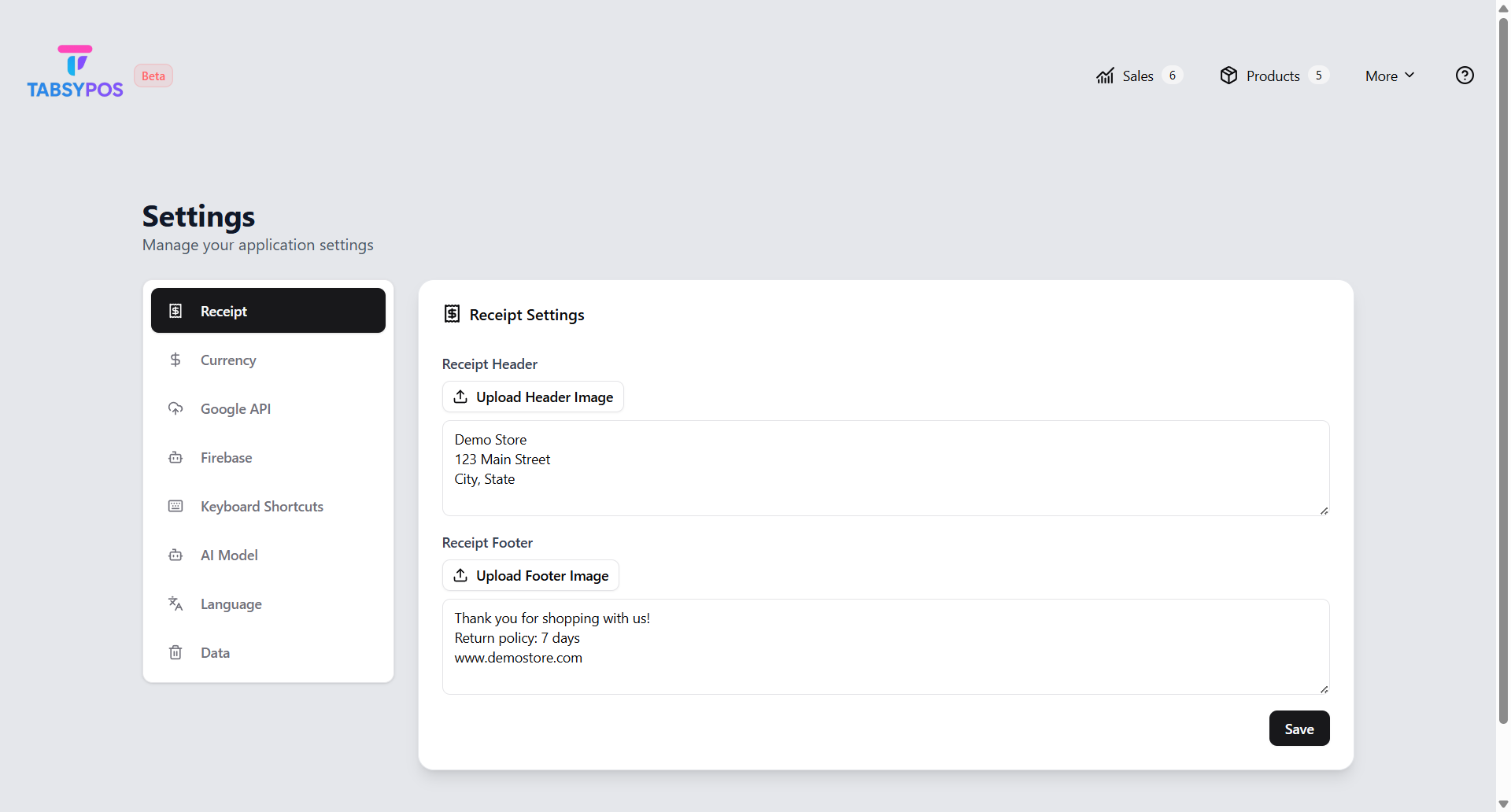
Receipt Customisation
Personalise your receipts by editing the header and footer text. You can include store information, contact details, or a thank-you message to customers.
You can also extract text from an image and use it as the receipt header or footer. Upload an image, and the system will automatically detect the text for you. Before saving, you can use the Preview option to review how the text will appear on the receipt. Make any changes if needed, then tap Save to apply it to your receipt layout.