TabsyPOS
Search docs
Getting Started
Introduction
Overview
Install TabsyPOS as an App (Desktop & Mobile)
Online / Offline Status Indicator
Quick Start
Generating Sample Data
Sales Module
Product Discovery & Selection
Automatic Stock Deduction on Sales
Stock Warning During Sales
Chat-Based Sales
Smart Selling with AI
Return
Return Overview
Return Policies and Controls
Inventory Handling During Returns
Refund Handling
Return Receipts
Return History
Void a Return
Sales and Returns Totals
Reports and Data Export
Print Return Receipt
Cart
Cart Management
Payments
Payment Methods
Print Receipts
Products
Overview: Products Module
Add New Product
Bulk Upload
Edit Product
Delete Product
Search
Stock Column
Product Filters
Inventory Management
Start Managing Stock
Stop Managing Stock
Inventory Update History
Low Stock Threshold
Out of Stock & No Stock Alerts
Customers
Overview: Customer Module
Add New Customer
Bulk Upload
Edit Customer
Delete Customer
Search
Sales Transactions
Sales History
Void Sale
What Happens When a Sale is Voided
Restrictions
Return History
Data
Data Export
Data Import
Settings
Overview - Settings Module
Receipt Customisation
Currency
Return Settings
Google API Integration
Firebase Integration (For Data Syncing)
Keyboard Shortcuts
Keyboard-Friendly Enter Key Support
AI Assistant
Language
Data
Notification Center
Accessing the Notification Center
Whats Hot
Notifications
Subscribe
Frequently Asked Questions
General
Setup & Access
Offline & Reliability
Features & Capabilities
Security & Data
Customisation & Control
Settings
Settings
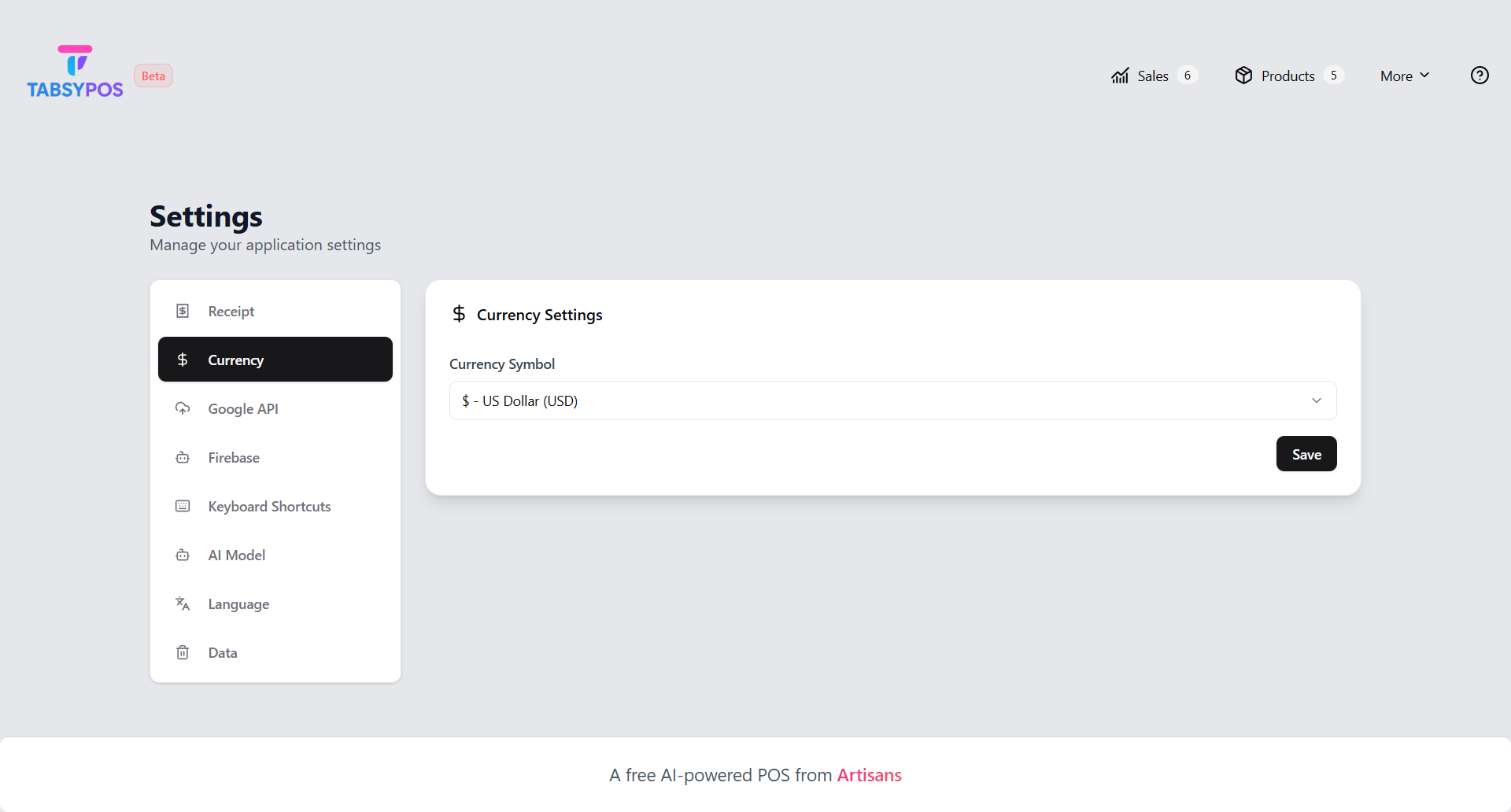
Currency
Define your store’s preferred
currency
for all transactions and reports.
Previous
Receipt Customisation
Next
Return Settings